At a glance
- Your address
- bunkpost.com/book/your-park — one link for your website, Google profile, and every email signature.
- Guest accounts
- None. Guests book with an email address — no passwords, no app to download.
- Branding
- Your logo, five color slots, five font pairings, three card styles. Or skip it — the stock look works.
- Sold-out honesty
- Taken sites show as taken instead of vanishing, so the page never feels like it's hiding something.
One link that does the whole job
Every park on Bunkpost gets a booking page at bunkpost.com/book/your-park. Guests pick dates and party size, see exactly which sites are open, and pay by card. It's built phone-first, because that's where campers actually book — from a truck cab, a trailhead, a couch.
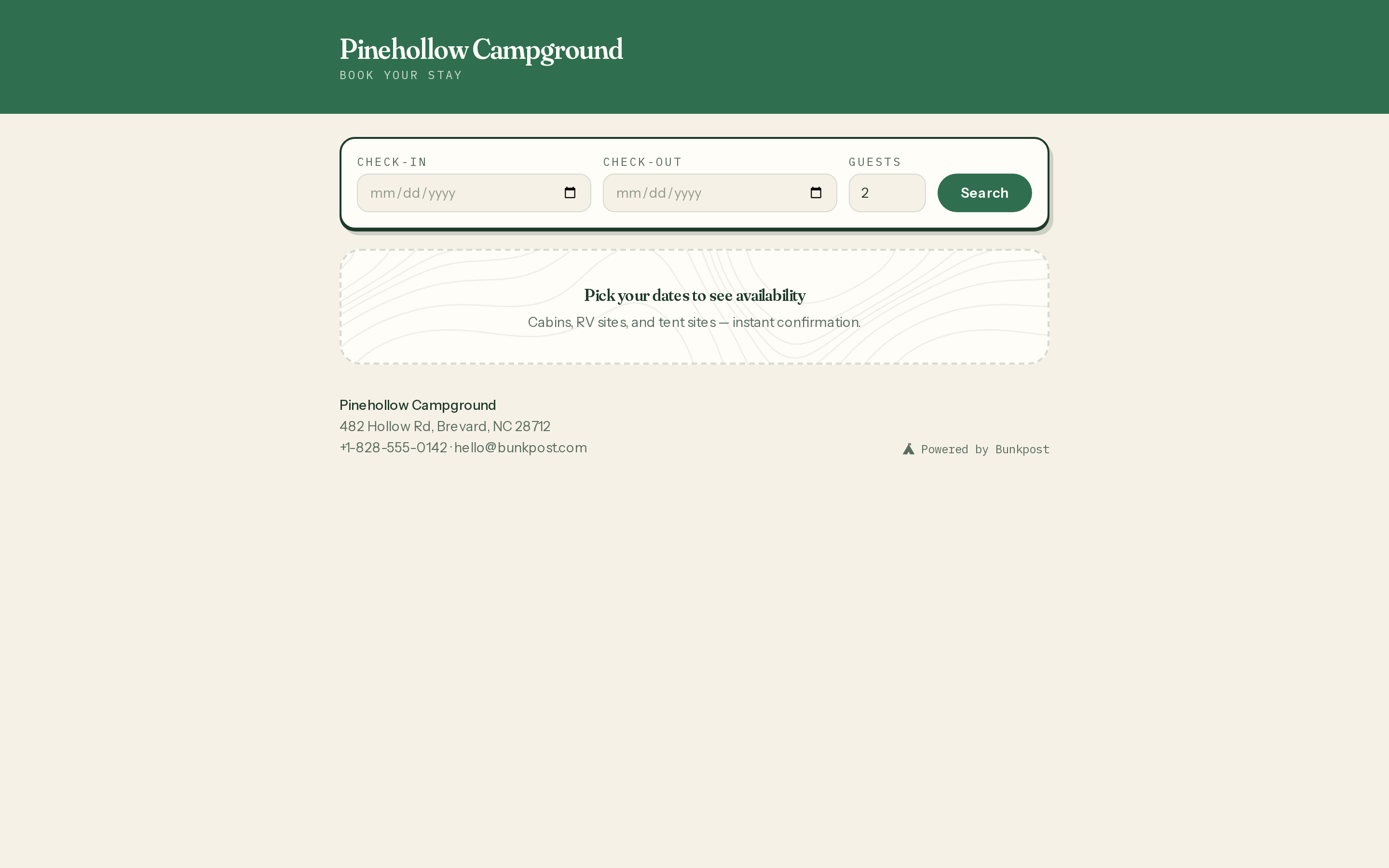
The booking page before a search — dates, guests, and everything the park rents.
Two things about this page are deliberate. First, sold-out sites stay visible and are marked as taken — a page where inventory silently disappears reads as broken, and guests bail. Second, there are no guest accounts: a camper types an email address, pays, and is done. Every follow-up they need arrives by email and lives on their stay page.
What rides along at checkout
The booking page isn't just dates and payment. Depending on what you've set up, a guest can pick their exact site on your park map, apply a promo code and watch the total update live, add firewood or early check-in, rent gear, and sign your waiver with a typed name — all before the card form. Whatever rules you set in Rates, taxes & policies are already baked into the total they see.
Dressing it in your brand
Under Settings → General → Brandingyou'll find the levers: your logo, five color slots (primary, buttons, page background, card background, text), five font pairings, and three card styles — Ticket, Soft, and Flat. The page previews your choices so you can tell tasteful from regrettable before saving.
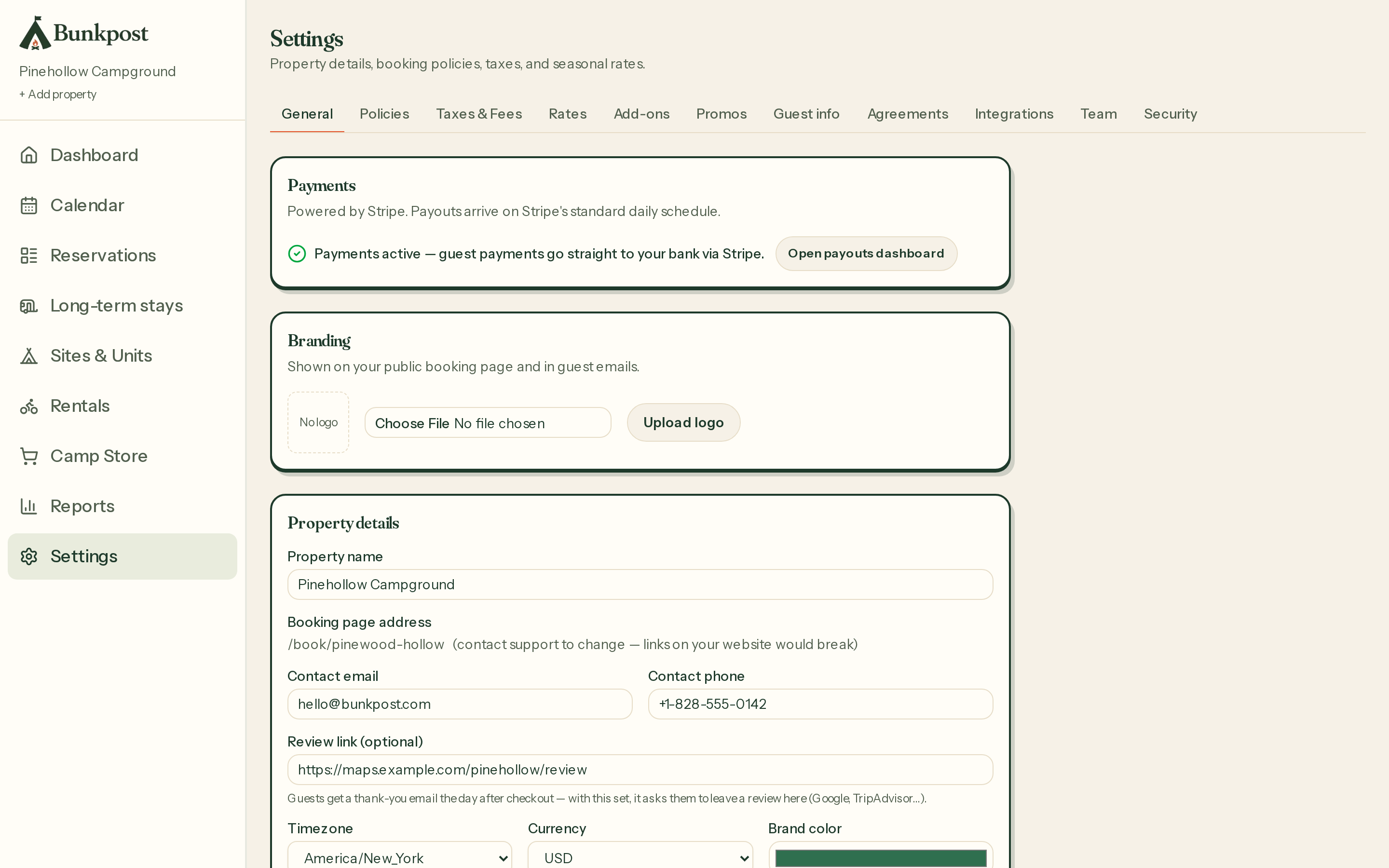
Settings → General — payments status up top, branding and property details below.
The details that earn trust
- Your contact info, front and center.The page and every email carry your park's name, address, phone, and email — guests always know who they're dealing with.
- A review link that works for you. Add your Google or TripAdvisor review URL in settings and the day-after-checkout thank-you email asks every guest for a review, automatically.
- A waitlist instead of a dead end. Sold-out dates offer a signup; when someone cancels, the list gets an email with a pre-filled booking link. First come, first told.